Balance AI Automation with Manual Creativity in Photo Editing
Balance AI automation and manual creativity are becoming important in modern photo editing. AI tools make the process faster and easier, handling tasks like color correction, background removal, or retouching in minutes. However, AI alone can’t fully replace the creative touch of a human editor. Manual creativity adds personality, style, and attention to detail that machines often miss. The best photo edits happen when technology and human skill work together, each filling in what the other lacks.
Balance AI automation with manual editing isn’t just about saving time, it’s about getting better results. By knowing which parts of the workflow to automate and which to handle by hand, editors can focus on the creative choices that make images stand out. It’s a combination of speed, consistency, and artistry. When done right, AI becomes a helpful assistant rather than a replacement. In this guide, we’ll explore practical ways to find that balance of AI Automation and make your photo edits both efficient and creative.
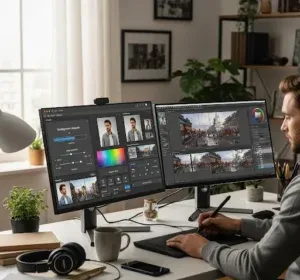
Why Balance AI Automation Matters
AI tools have changed the way photo editing works. They can handle repetitive tasks like adjusting colors, removing backgrounds, or fixing small errors in a fraction of the time it would take manually. This speed is a huge advantage, especially when working with large batches of images. However, AI can only follow rules and patterns; it cannot fully understand style, emotion, or the small details that make a photo unique. This is why relying solely on AI can sometimes result in images that feel generic or flat.
Balancing AI automation with manual creativity makes your photos are both polished and original. Knowing when and how to combine AI with hands-on editing can improve results without slowing down your workflow. Human input lets you add personal touches, adjust details, and make creative decisions that AI cannot predict. At the same time, AI can save time and reduce repetitive work, giving you space to focus on the creative aspects.
To make the most of this balance, try these tips:
Use AI for routine corrections like color balance or background cleanup
• Apply manual edits for textures, highlights, and unique styles
• Review AI results carefully before finalizing the image
• Experience with creative adjustments that AI may not suggest
• Keep a consistent workflow so AI and manual edits complement each other